
Descript: review, pricing and alternatives
What is Descript and Who Makes It?
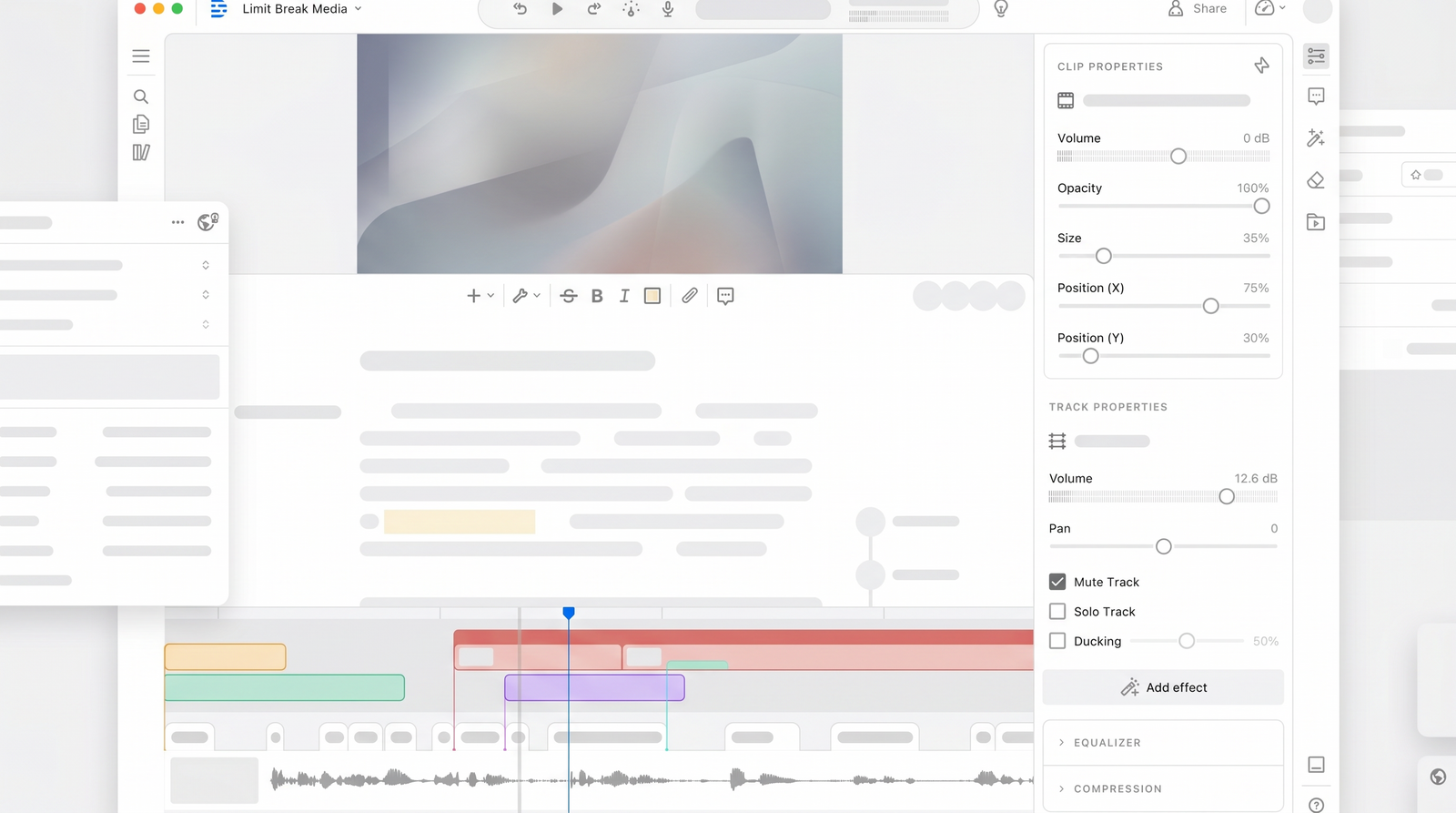
When I first heard about Descript, I admit I was skeptical. Another video editor? The market is saturated. But Descript isn't just another video editor; it's a paradigm shift in how we approach spoken-word content editing. Launched in 2017, Descript was built with the core idea of making audio and video editing as simple and intuitive as editing a document. They essentially took the traditional, often complex, timeline-based editing model and flipped it on its head.
At its heart, Descript is an AI-powered audio and video editor. Its defining characteristic is its unique text-based editing approach. Imagine uploading your video or audio, and instead of seeing a waveform or a series of clips on a timeline, you see a transcribed document. This transcript then becomes your primary editing interface. If you delete a sentence from the text, that corresponding audio and video segment is gone too. It's a genuinely innovative concept that aims to demystify the editing process, especially for those who primarily work with interviews, podcasts, or talking-head videos.
The company behind Descript has focused on integrating artificial intelligence not just for transcription, but for enhancing and streamlining various aspects of content creation. They've positioned themselves not as a replacement for high-end cinematic editing suites, but as a specialized tool for creators whose content revolves around spoken dialogue. It's designed to save hours of tedious work, making professional-sounding and looking content accessible to a wider audience.
Key Features: Text-Based Editing & AI Tools
What truly sets Descript apart are its core features, all built around that groundbreaking text-based editing workflow. When you upload your media, Descript automatically transcribes it, and then your editing journey begins by manipulating this transcript. This means cutting out awkward pauses, rearranging sentences, or even entire paragraphs becomes as straightforward as editing a Google Doc. It’s a fundamentally different way of working that can feel incredibly liberating if you’re used to wrestling with timelines.
Beyond the fundamental text-based editing, Descript is packed with powerful AI tools designed to polish your content. One of its most praised features is the ability to remove filler words like "um," "uh," and "you know" not just from the transcript, but from the actual audio. The results are often remarkably smooth, making your dialogue sound more professional and concise without manual effort. I've found this to be a massive time-saver for podcasts and interviews.
Another standout is Studio Sound, an AI-powered audio enhancement that can dramatically improve the quality of your recordings, making them sound like they were recorded in a professional studio. It works across the full recording, often pulling decent audio out of less-than-ideal situations. Descript also offers advanced features like speaker identification, which automatically labels different voices in a conversation, and the ability to generate video avatars, allowing you to create new video content from text using an AI-generated version of yourself.
For those looking to quickly get a project off the ground, Descript can even generate rough cuts, making initial editing passes incredibly fast. The comprehensive nature of these tools, all housed within a single interface, means you’re not constantly jumping between different applications for transcription, audio cleanup, and basic video cuts. It’s an all-in-one solution for spoken-content creators.
How Descript Works: Getting Started and Workflow
Getting started with Descript is surprisingly intuitive, yet it represents such a departure from traditional editing that it can take a moment to adjust. The first step involves uploading your audio or video file. Once uploaded, Descript immediately gets to work transcribing your content. This transcription is typically fast and boasts impressive accuracy, often around 95% across multiple languages, which is crucial as it forms the foundation of your entire editing process.
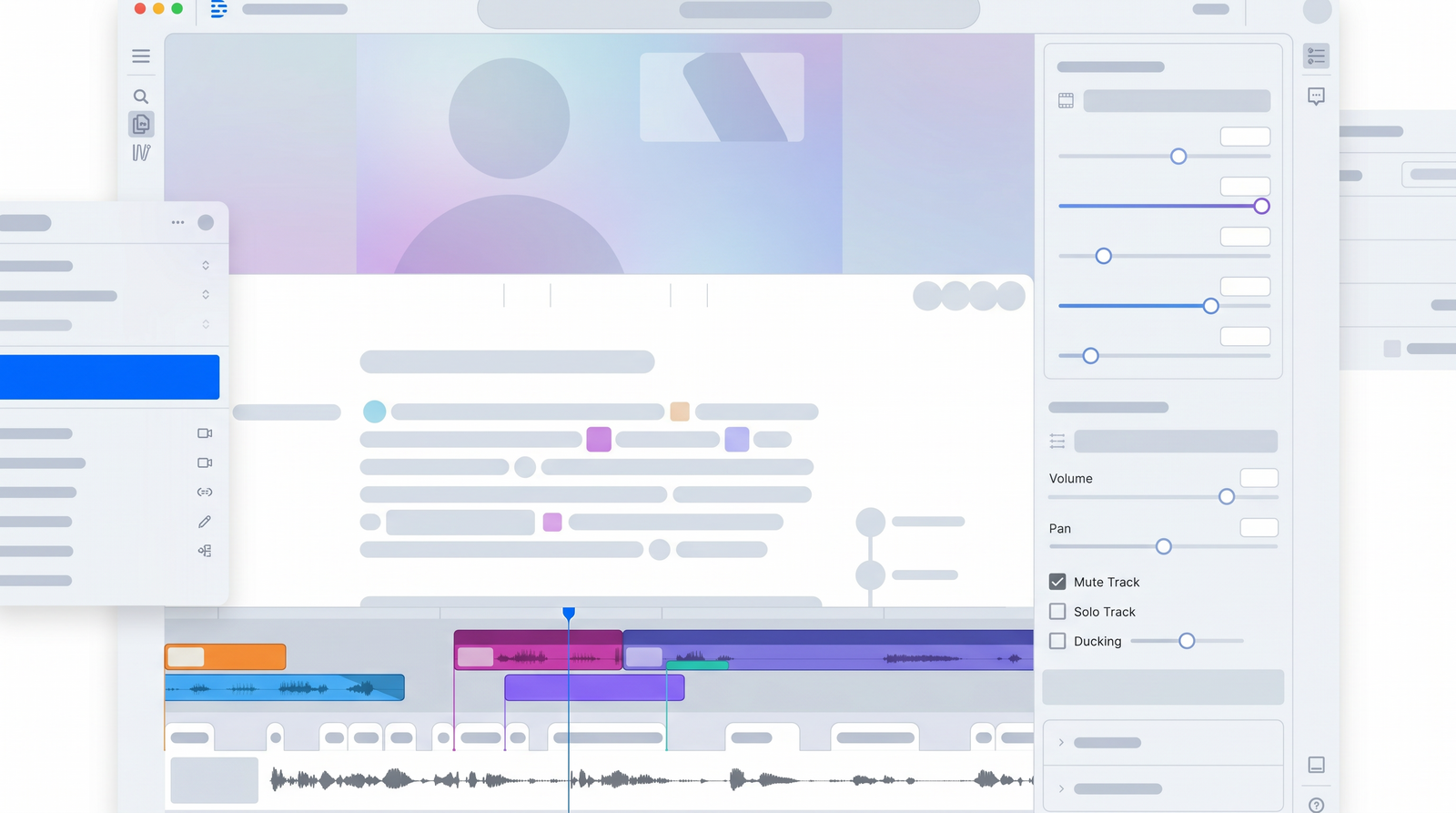
After transcription is complete, you're presented with your media in a unique interface: a document-like editor alongside a minimalist preview window and a basic timeline (though the timeline is secondary). Your spoken content appears as text, much like a word processor. This is where the magic happens. You edit your audio and video by literally editing the text. Want to remove a section? Highlight the corresponding words in the transcript and hit delete. The audio and video instantly trim to match. Need to rephrase something or cut out a tangent? Just select the text and remove it. The associated media follows suit.
This document-centric workflow extends to rearranging content. You can cut and paste text paragraphs, and the video and audio segments will move with them. This is a stark contrast to traditional editors where you'd be dragging clips, splitting tracks, and meticulously aligning audio and video on a complex timeline. For anyone whose content is primarily people talking, this method feels incredibly natural and speeds up the initial editing phase dramatically. Once your edits are complete and your content is polished, you can then export your project in various formats, ready for sharing or further refinement in other tools if needed.
Pricing Plans and Value
Descript offers several pricing tiers, aiming to cater to different levels of usage and professional needs, ranging from a free plan to more comprehensive paid options. I've found that understanding these tiers is key to assessing its value for your specific workflow. The cost typically falls within the range of $15 to $50 per month, depending on the plan and whether you opt for annual billing.
The free plan is quite generous, offering a substantial taste of Descript's capabilities. It allows you to experiment with text-based editing, transcription, and some of the AI tools, making it a great way to test the waters before committing. However, it naturally comes with limitations, often in terms of monthly transcription hours or export quality. For casual users or those just getting started, it's an excellent entry point.
For serious content creators, the paid plans unlock more transcription hours, advanced features like unlimited Studio Sound, and higher-quality exports. While some might find the pricing a bit steep compared to basic transcription services, it's important to remember that Descript isn't just a transcriber; it's an AI-powered editing suite. If you leverage its unique text-based editing, filler word removal, and audio enhancements, the time savings alone can easily justify the cost for podcasters, YouTubers, and content marketers. However, if your needs are strictly limited to basic transcription, you might find yourself paying for features you won't fully utilize.
| Plan | Price (Approx.) | Best for |
|---|---|---|
| Free | $0 | Trying out Descript, occasional short projects, basic transcription needs. |
| Creator | $15 - $24/month | Individual podcasters, YouTubers, educators needing regular transcription and editing. |
| Pro | $30 - $50/month | Professional content creators, marketers, teams with higher volume needs and advanced features. |
Pros: What Users Like Most About Descript
After spending significant time with Descript, and hearing from many other creators, I can pinpoint several recurring praises that highlight its strengths. Chief among them is the sheer amount of time it saves, particularly for spoken content. The ability to edit audio and video by simply manipulating text is a game-changer. It transforms what could be hours of painstaking timeline work into a much faster, more intuitive process, akin to editing a written document.
The innovative text-based editing is consistently cited as a major advantage. It democratizes editing, making complex tasks accessible even to those without extensive traditional video editing experience. This approach truly shines when dealing with talking-head videos, interviews, and podcasts, where the dialogue is the primary focus. I've found it incredibly efficient for getting through rough cuts quickly and polishing dialogue.
Descript's AI-powered features also receive high marks. The effective filler word removal is a standout, as it cleans up dialogue from the actual audio, not just the transcript, resulting in a much smoother listening experience. Similarly, the Studio Sound feature is often lauded for its ability to enhance audio quality dramatically, making even less-than-perfect recordings sound professional. This comprehensive suite of features, from transcription to AI tools, all integrated into one platform, makes Descript an incredibly powerful tool for creators looking to streamline their production workflow.
Cons: Common Complaints and Limitations
While Descript offers many compelling advantages, it's not without its drawbacks, and I've certainly encountered some of the common complaints myself. One recurring issue I've noticed, and heard from others, are reports of bugs and occasional glitches. While the software is constantly evolving, these can sometimes disrupt the workflow, leading to frustration, especially during critical editing phases. It's not a perfect, bug-free experience, which can be a point of friction for some users.
Another significant limitation, particularly for those with demanding projects, is performance. While simple edits can feel near-instant, working with large projects, especially those with multiple tracks or lengthy videos, can sometimes lead to lag and slow processing. This can be a bottleneck for users accustomed to the robust performance of more traditional, dedicated video editing software. It’s clear that while it handles spoken content brilliantly, it’s not designed to be a heavy-duty visual effects or multi-layered video editor.
I've also observed that while Descript is intuitive for its specific workflow, it can have a steep learning curve for some users. Those deeply ingrained in traditional timeline editing might initially struggle to adapt to the text-based paradigm. Furthermore, for users who simply need basic transcription, Descript can be overkill. Its interface is built for creative production workflows, meaning simple transcription tasks can feel more cumbersome and expensive than using a dedicated transcription service. Finally, I've seen some users voice concerns regarding customer service and billing issues, with reports of unexpected charges or difficulties resolving account problems, which is always a red flag for any subscription service.
Performance and Ease of Use: A Mixed Bag?
My experience with Descript's performance and ease of use has truly been a mixed bag, reflecting what many other users report. On one hand, the core concept of editing by text is incredibly easy to grasp for many, especially those new to video editing. The initial wow factor of deleting words and seeing the video clip itself is undeniable, making many basic editing tasks feel incredibly intuitive and fast. If you primarily create content that's heavy on spoken word, you might find the learning curve to be surprisingly gentle for getting started with its core functionality.
However, as you delve deeper into Descript's more advanced features or attempt larger, more complex projects, the 'ease of use' can start to waver. I've personally encountered instances of reported glitches and unexpected behavior, particularly when dealing with longer recordings or multiple layers. This can manifest as occasional lag or slow processing, especially with large files, contrasting sharply with the near-instant processing touted for simpler tasks. It's not always a seamless experience, and these performance hiccups can be frustrating.
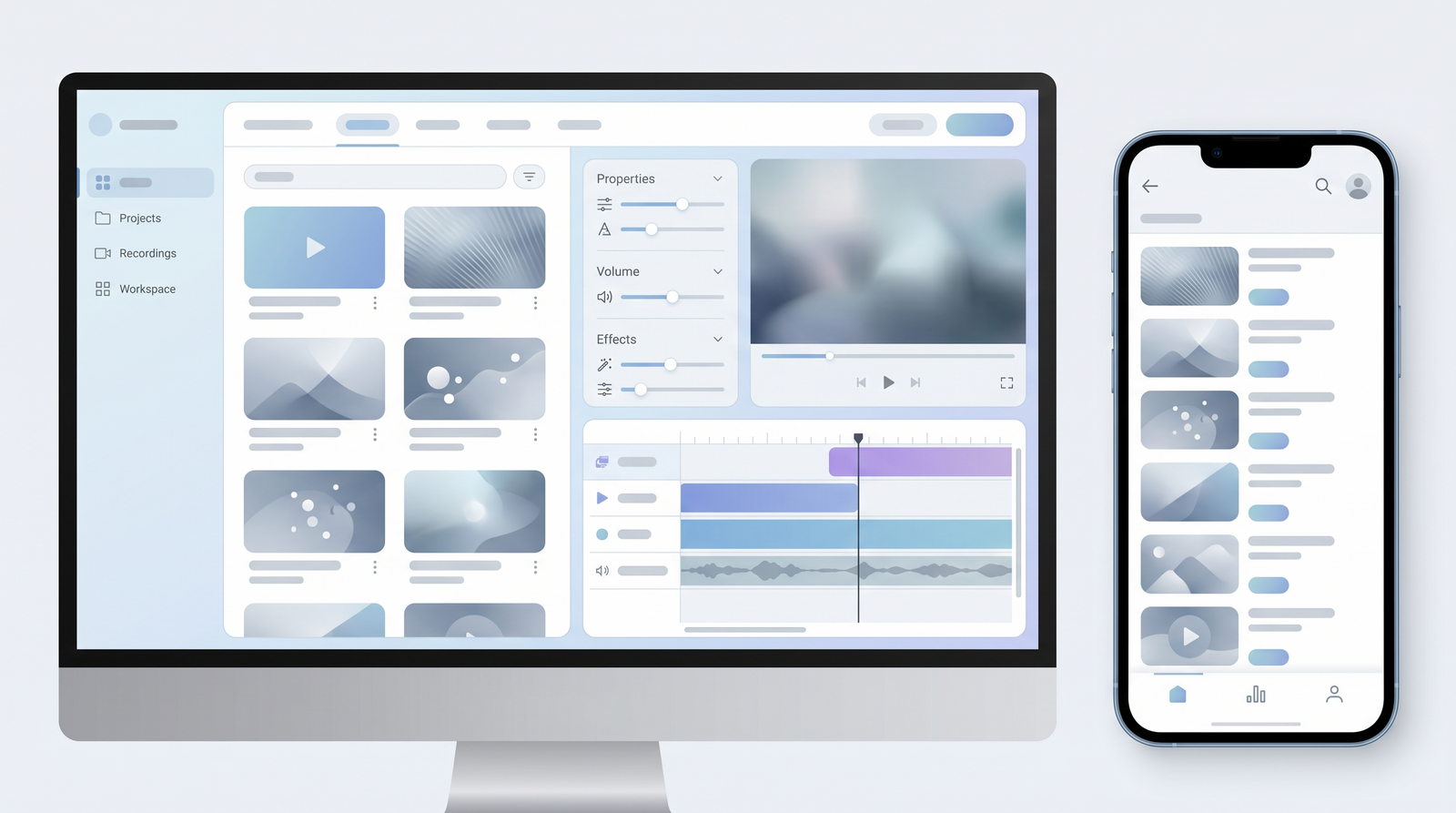
The user interface itself is thoughtfully designed for creative production, integrating various tools like transcription, audio enhancement, and basic video editing into a unified workspace. This integration is a strength, but it also means that for someone looking for just one specific function, like basic transcription, the interface might feel less focused and require extra clicks. Ultimately, Descript offers a unique and often efficient way to edit, but users should be prepared for a learning curve that varies in steepness and occasional performance quirks, especially as project complexity increases.
Who is Descript For? Ideal Users and Use Cases
It's crucial to understand that Descript isn't a one-size-fits-all solution; it truly excels for a specific audience and set of use cases. From my perspective, and based on widespread feedback, Descript is an absolute godsend for anyone whose content primarily features spoken word. This includes the vast majority of podcasters, who can dramatically cut down on editing time by simply editing their show's transcript. The filler word removal and Studio Sound features are particularly beneficial for achieving that polished, professional audio quality quickly.
YouTubers, especially those who create talking-head videos, tutorials, or interview-style content, will find Descript invaluable. It streamlines the process of cutting out mistakes, silences, and rephrasing, making the jump from raw footage to a polished video much faster. Similarly, content marketers and educators who produce product demonstrations, training materials, or online courses can leverage Descript to create high-quality, engaging videos without needing extensive video editing expertise. The ability to generate accurate captions and enhance audio makes content more accessible and professional.
In essence, if your creative process involves significant amounts of recorded dialogue that needs to be edited, polished, and made more concise, Descript is likely to be a transformative tool for you. It's less suited for professional filmmakers needing advanced visual effects, multi-camera edits, or complex color grading, but for anyone looking to produce clean, professional spoken-word content efficiently, Descript delivers significant benefits.
Alternatives and How Descript Compares
When considering Descript, it's natural to wonder how it stacks up against other tools in the market. On one hand, you have traditional video editors like Adobe Premiere Pro, Final Cut Pro, or even simpler options like iMovie. These tools offer robust visual editing capabilities, multi-track timelines, and extensive effects libraries. However, they lack Descript's text-based editing paradigm, making dialogue-heavy content editing a much more manual and time-consuming process. Descript isn't trying to replace these for cinematic productions, but rather offer a faster, more focused approach for spoken content.
On the other hand, there are dedicated transcription services like Sonix or Otter.ai. These excel at providing highly accurate transcripts, and some even offer basic editing within the text. However, they don't integrate the audio and video editing capabilities that Descript does, nor do they offer advanced AI features like Studio Sound or filler word removal directly from the actual audio. Descript's unique selling proposition lies precisely in this seamless integration: it's not just a transcriber, but an editor where the transcript is the timeline.
What truly distinguishes Descript is its holistic approach to spoken content. No other platform quite matches its combination of text-based editing, effective filler word removal from the audio itself, robust audio enhancement with Studio Sound, and advanced AI tools like video avatars and speaker identification, all within a single interface. While alternatives might offer superior features in isolated areas, Descript's strength is its comprehensive, intuitive workflow for creators focused on dialogue. You can see how it stacks up against alternatives on Top10k.
Is Descript Worth It? The Verdict
After a thorough exploration of Descript's features, strengths, and limitations, the ultimate question remains: Is it worth it? My verdict is a resounding yes for its ideal users, but it's not a universal solution for everyone. Descript genuinely delivers on its promise of saving significant time for creators who work with spoken content. If you're a podcaster, a YouTuber producing talking-head videos, a content marketer, or an educator, the efficiency gains from its text-based editing, automatic filler word removal, and Studio Sound can be transformative for your workflow.
It shines brightest when you need to quickly edit, refine, and polish audio and video where dialogue is the central element. The ability to treat your media like a document makes the initial editing pass incredibly fast and intuitive, allowing you to focus more on your message and less on the technicalities of editing. For these specific use cases, the investment in Descript, whether time or money, is well justified by the productivity boost and the professional quality it helps achieve.
However, if your primary need is simply basic transcription without any editing, or if you're a professional video editor requiring advanced visual effects, multi-camera support, or intricate timeline manipulation, Descript might be overkill or fall short of your expectations. Its occasional performance quirks and potential learning curve for those deeply entrenched in traditional editing are also factors to consider. In summary, Descript is a powerful, innovative tool that has carved out a unique and highly valuable niche. For the right user, it's not just worth it; it's an indispensable part of their content creation toolkit.
Full profile and live ranking: https://top10k.com/ai/descript
Published by

Top10k Tools stands as a free online platform providing a wide range of free utilities built to make daily work easier.
The platform covers a broad mix of SEO tools, converters, dev utilities, and image editors. All tools are free and browser-based, making them quick to access anywhere.
The long-term vision is creating a complete library of 10,000 online utilities that solve real problems.
Whether you're a marketer, developer, student, or business owner, the right tool is just a click away. Find your next favorite tool.
Frequently asked questions
What is the core function of Descript?
Descript is an AI-powered audio and video editor primarily designed for spoken-word content. Its core function is to allow users to edit audio and video by manipulating a transcript, much like editing a text document, rather than using a traditional timeline.
Does Descript offer a free plan?
Yes, Descript offers a generous free plan that allows users to experience its core features, including text-based editing and transcription, with certain limitations on monthly usage and export options. It's a great way to test the software before committing to a paid subscription.
Can Descript remove filler words from audio?
Yes, one of Descript's most praised features is its AI-powered ability to remove filler words (like "um" and "uh") not just from the transcript, but directly from the actual audio, resulting in a smoother and more professional-sounding dialogue.
Is Descript hard to learn?
For many, especially those new to video editing, Descript's text-based approach can be surprisingly intuitive for basic tasks. However, users accustomed to traditional timeline editing or those delving into its more advanced AI features might experience a steeper learning curve.
Who is Descript best suited for?
Descript is ideal for podcasters, YouTubers who create talking-head videos, content marketers, and educators whose content heavily relies on spoken dialogue. It excels at streamlining the editing and polishing of interviews, lectures, and other dialogue-centric media.
Are there any known performance issues with Descript?
Some users have reported occasional bugs, glitches, and performance issues, especially when working with very large projects or long videos. While simple edits are often fast, complex tasks can sometimes lead to lag or slower processing times.
How does Descript compare to traditional video editors?
Descript differs significantly from traditional video editors (like Premiere Pro) by focusing on text-based editing for spoken content. While it lacks advanced visual effects and multi-track complexity, it offers unparalleled efficiency for dialogue editing, audio enhancement, and AI-powered features not found in traditional tools.
What are Descript's pricing tiers?
Descript offers a free plan, and paid plans like Creator and Pro, with monthly costs typically ranging from approximately $15 to $50, depending on the tier and billing cycle. These plans offer increased transcription hours and access to more advanced features.